Cinematic Design in Unity with Cinemachine and Timeline

0dayddl

U P L O A D E R

0377c431dd13e956f97258d8f606ad17.jpg

Cinematic Design in Unity with Cinemachine and Timeline
MP4 | Video: AVC 1280x720 | Audio: AAC 44KHz 2ch | Duration: 1 Hour 47M | 1.01 GB
Genre: eLearning | Language: English​

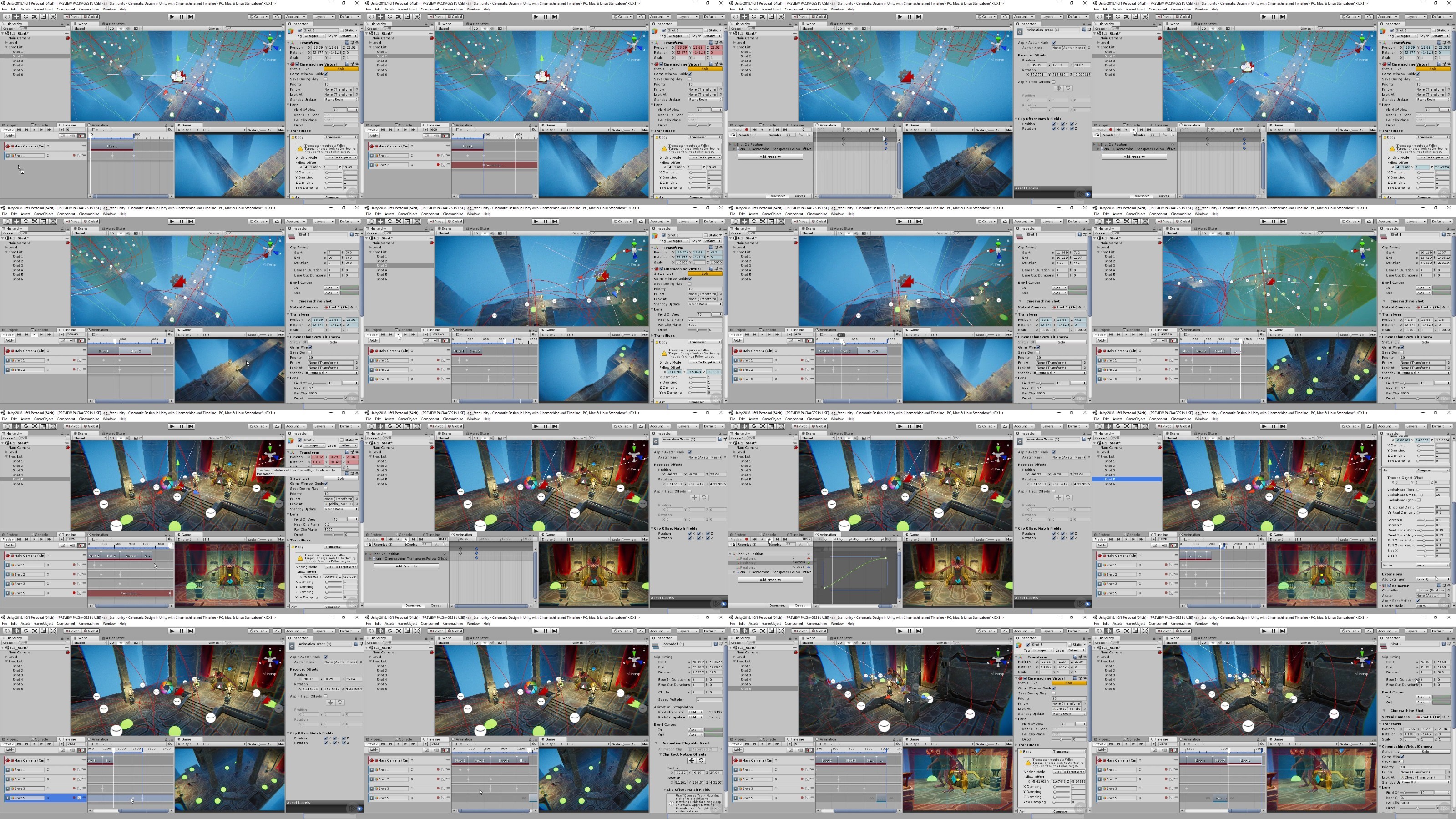
Unity is a great program to use for creating and integrating cut scenes into your game. This course will teach you how to create cutscenes with Unity, starting at the preproduction phase.

Cut scenes are an excellent way to communicate important information to your players while adding extra polish to your game, but developers often don't know where to start when it comes to designing and implementing them. In this course, you'll learn the principles of narrative design and how to create cut scenes using Unity. First, you'll review design documents to understand what you need to tell the player in the scene, and storyboard out your designs. Then, you'll move into Unity and use Timeline and Cinemachine to recreate your storyboard in the engine. Finally, you'll take these new tools a step further by building a small triggered cut scene event. By the end of this series, you'll feel more confident about designing cut scenes for your own game, and using the suite of cinematic tools available in Unity.
gJTt3tlb_o.jpg


DDownload
Code:
Bitte Anmelden oder Registrieren um Code Inhalt zu sehen!
Code:
Bitte Anmelden oder Registrieren um Code Inhalt zu sehen!

RapidGator
Code:
Bitte Anmelden oder Registrieren um Code Inhalt zu sehen!
Code:
Bitte Anmelden oder Registrieren um Code Inhalt zu sehen!
NitroFlare
Code:
Bitte Anmelden oder Registrieren um Code Inhalt zu sehen!
Code:
Bitte Anmelden oder Registrieren um Code Inhalt zu sehen!
 
Kommentar

dd467a4d3be1de5bf3c52c2f5c5c60e6.jpg

Unity: Timeline and Cinemachine
MP4 | Video: 720p | Duration: 1:35:37 | English | Subtitles: VTT | 582.3 MB​

Unity is a great tool for 3D modeling and visualization-especially for architecture. But what if you want to add animation to your renderings, without having to keyframe? Luckily, Unity has two features that allow designers to animate visualizations in just a few steps. This course shows how to use the Timeline to animate with clips and recorded animation, and set up and manipulate cameras-to add motion along paths-with Cinemachine. Instructor George Maestri also offers tips for adding effects and transitions from Post Processing Stack 2.0 to your visualizations, for extra professional results.

Topics include:
  • Creating animation clips with Timeline
  • Recording animation
  • Setting up Cinemachine cameras
  • Adding animation to cameras
  • Switching cameras
  • Adding effects and transitions


RapidGator
Code:
Bitte Anmelden oder Registrieren um Code Inhalt zu sehen!
NitroFlare
Code:
Bitte Anmelden oder Registrieren um Code Inhalt zu sehen!
DDownload
Code:
Bitte Anmelden oder Registrieren um Code Inhalt zu sehen!
 
Kommentar

In der Börse ist nur das Erstellen von Download-Angeboten erlaubt! Ignorierst du das, wird dein Beitrag ohne Vorwarnung gelöscht. Ein Eintrag ist offline? Dann nutze bitte den Link  Offline melden . Möchtest du stattdessen etwas zu einem Download schreiben, dann nutze den Link  Kommentieren . Beide Links findest du immer unter jedem Eintrag/Download.

Data-Load.me | Data-Load.ing | Data-Load.to | Data-Load.in

Auf Data-Load.me findest du Links zu kostenlosen Downloads für Filme, Serien, Dokumentationen, Anime, Animation & Zeichentrick, Audio / Musik, Software und Dokumente / Ebooks / Zeitschriften. Wir sind deine Boerse für kostenlose Downloads!

Ist Data-Load legal?

Data-Load ist nicht illegal. Es werden keine zum Download angebotene Inhalte auf den Servern von Data-Load gespeichert.
Oben Unten